Summarization in Assistant
In Assistant, you can either upload a document or directly enter some text into the input field in the Source area for summarization.
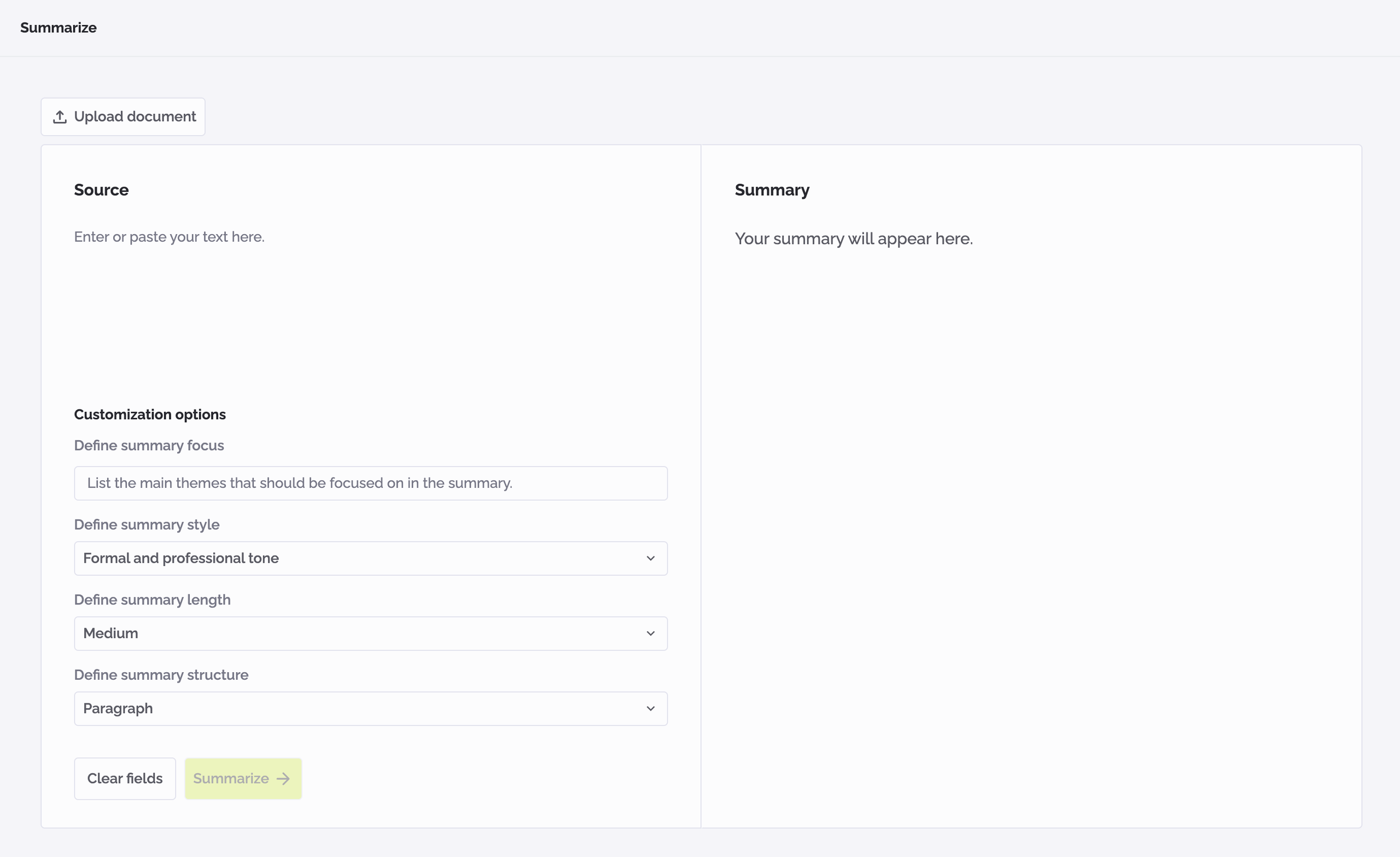
To summarize the text:
- Type or paste the text into the input field in the Source area.
- Fill out the other input fields as needed. Fields with an asterisk (*) are mandatory.
- Click the button "Summarize".
- The generated summary will appear in the Summary area.
warning
Please note: You can generate a new summary by clicking the "Summarize" button again. A new summary will replace the previous one.
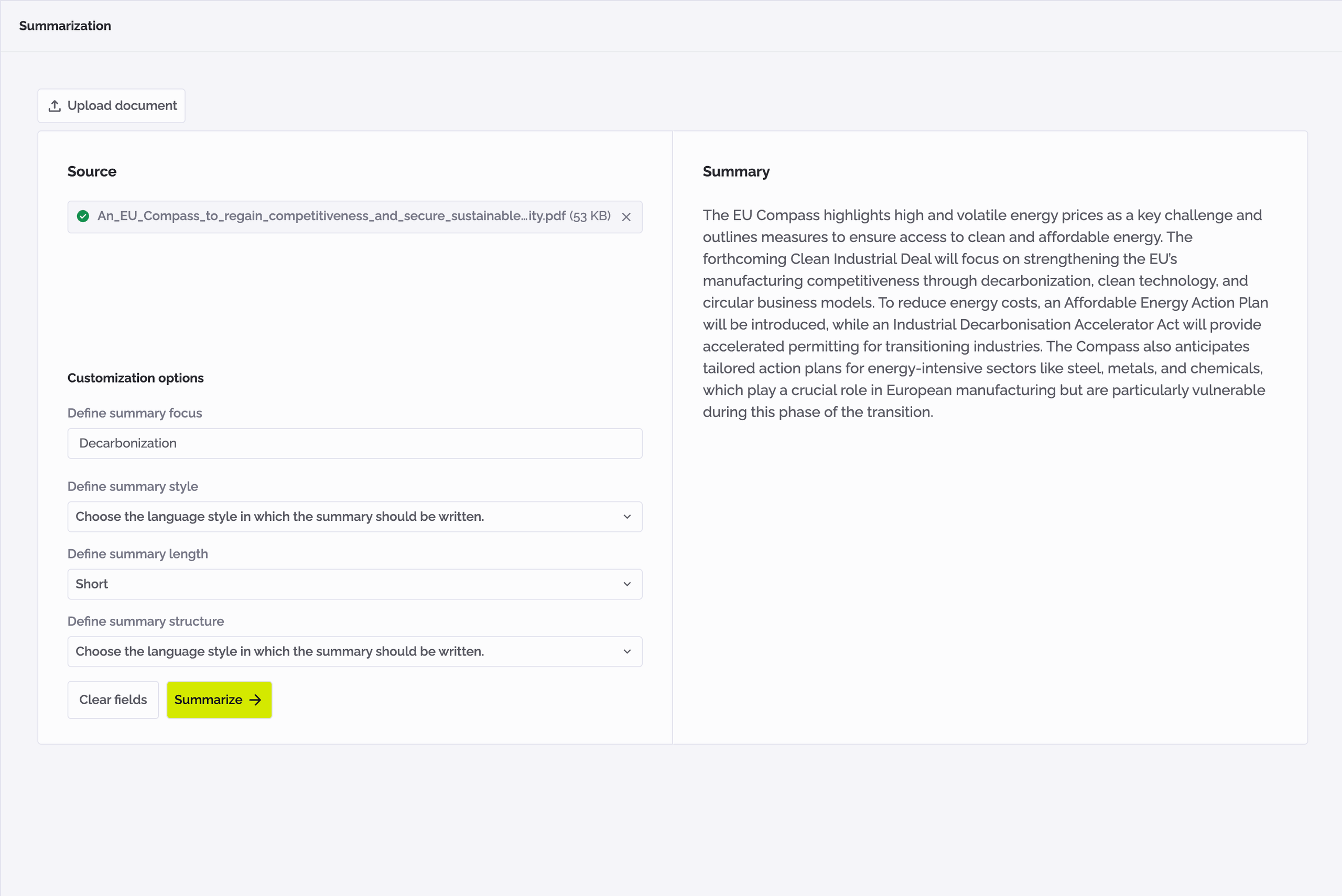
To summarize a document:
- Click on the button "Upload document" on the top of the Source area.
- Select a file in the "Upload document" popup from your computer.
- Click the button "Upload" to upload the document.
- Fill out the input fields below as needed. Fields with an asterisk (*) are mandatory.
- Click the button "Summarize".
- The generated summary will appear in the Summary area.
The generated summary appears in the Summary area.
warning
Please note: If you upload a document after summarizing some text, the newly uploaded document will be used for summarization and the previous input text will be removed.
info
- Only one document can be uploaded at a time.
- The supported document formats are .docx, .pdf, .txt.
- The maximal document size is 20 MB.
- Assistant supports for PDF documents which require optical-character recognition (OCR), i.e., scanned documents. This is currently limited to documents which have at most five pages.
To edit summary:
- Summarize your text or document.
- Click on the summary in the Summary area and start editing it.
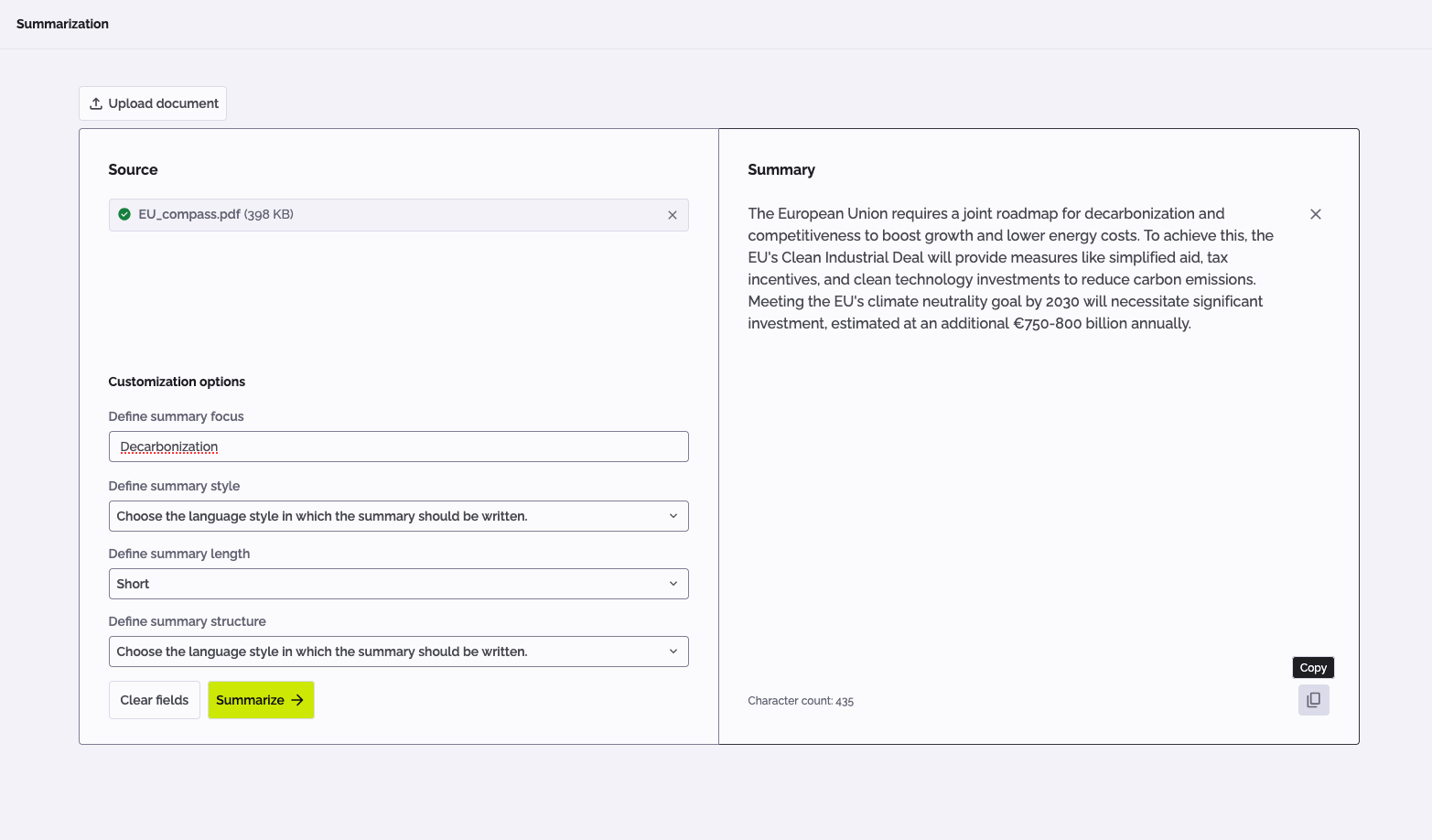
To copy summary:
- Summarize your text or document.
- Click on the "Copy summary" icon in the Summary area.
- The summary text will be copied and can then be pasted anywhere.
To clear source text:
- To delete the text click the cross icon in the Source area.
- The source text and summary will be immediately deleted.
To delete the document:
- To delete the uploaded document, click the cross icon next to the uploaded document.
- The uploaded document and its summary will be immediately deleted.
Supported languages:
- English
- German